Sticker guide
Furry stickers and emotes: sizes for Telegram, Discord, Twitch and WhatsApp
By My Furry Art · Published 25 November 2026
In short
- An emote is a sticker shown small. The same drawing of your sona can be both.
- Telegram stickers are 512 pixels on the longest side. Discord stickers are 320 by 320. WhatsApp stickers are 512 by 512.
- Twitch emotes and Discord emoji are shown tiny, so they need a simple face and one clear expression.
- Get your stickers drawn large with a see-through background, then save a copy in each app's size.
A sticker pack of your own sona is one of the most used pieces of furry art you can own. You'll send it every day. And the same drawings can do more than one job: a sticker on Telegram, an emoji on your Discord server, an emote on your Twitch channel.
Each app asks for a different size and file type. This guide has all of them in one place, checked against each app's own help pages on 25 November 2026.
The short version
| Where | Size | File | Good to know |
|---|---|---|---|
| Telegram sticker | 512 pixels on one side, 512 or less on the other | PNG or WEBP | You make the pack with Telegram's own @Stickers bot |
| Telegram custom emoji | 100 x 100 pixels | PNG or WEBP | Adding and using custom emoji sets needs Telegram Premium |
| Discord sticker | 320 x 320 pixels, exactly | PNG, 512 KB at most | The server needs Boosts to have custom stickers |
| Discord emoji | Square. 128 x 128 is the usual choice | PNG, JPEG, GIF or WEBP, under 256 KB | A server has 50 slots for still emoji |
| Twitch emote | One square image, from 112 x 112 up to 4096 x 4096 | Under 1 MB | Twitch makes the 28, 56 and 112 pixel versions for you |
| WhatsApp sticker | 512 x 512 pixels, exactly | WEBP, 100 KB at most | 3 to 30 stickers in a pack |
These are the sizes for still stickers. Animated ones have their own rules on every app.
Telegram stickers
Telegram is where a huge part of the fandom chats, and a pack of your own sona's stickers is part of how people talk there. If you only ever make one kind of sticker, make this one.
- Size: one side must be exactly 512 pixels. The other can be 512 or less, so a sticker doesn't have to be square.
- File: PNG or WEBP, with a see-through background.
- Making the pack: send your files to the @Stickers bot in Telegram and it walks you through it. Each sticker gets an emoji, which is how Telegram suggests it when you type.
Telegram also has custom emoji: tiny pictures that sit in a line of text. They're 100 x 100 pixels, and adding and using your own sets is a Telegram Premium feature.
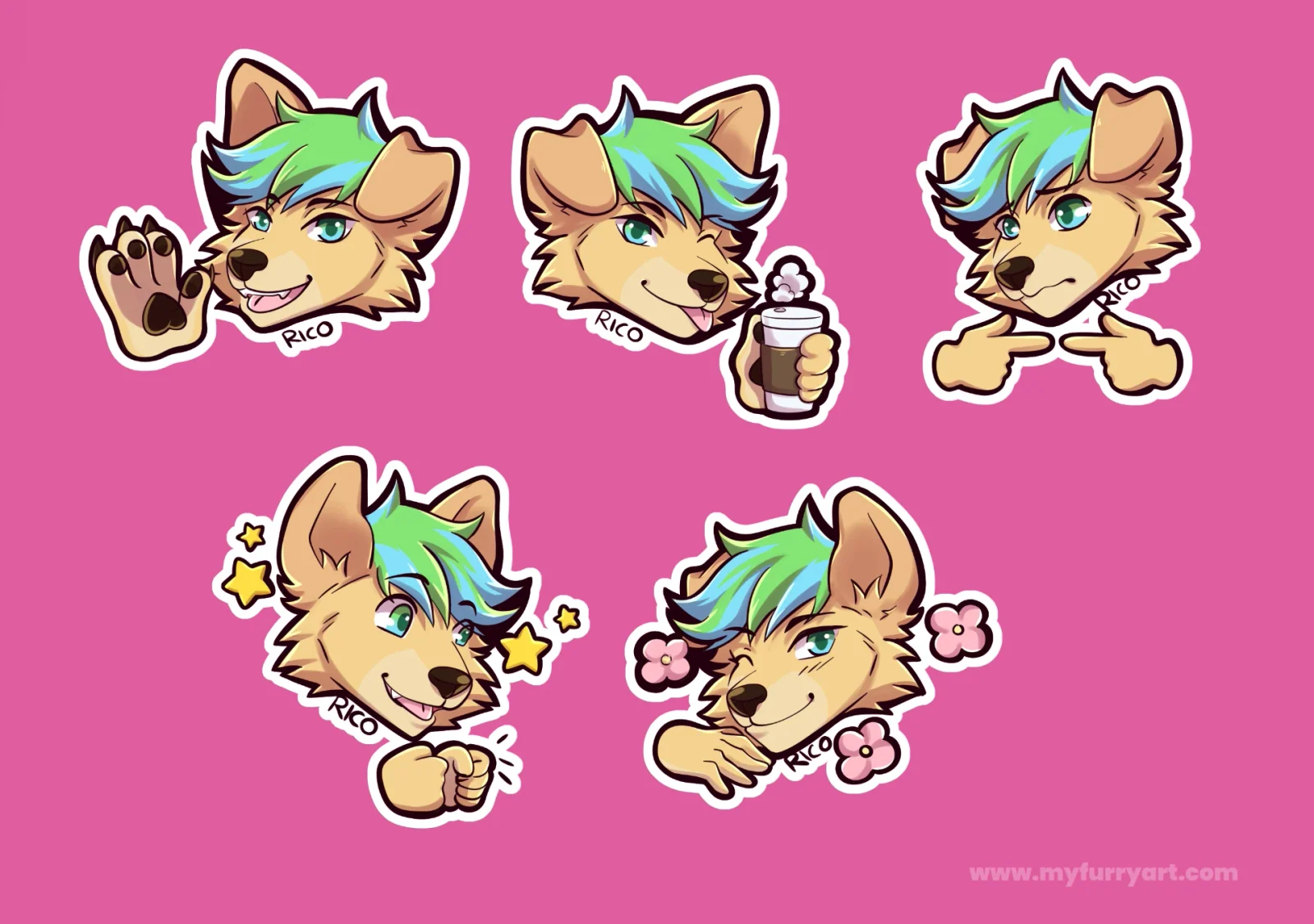
Five stickers is enough to cover most conversations: a wave, a coffee, a shy one, a fist bump and a smile. The white outline keeps each one readable on a dark or a light chat background.
Discord stickers and emoji
Discord has two things that people mix up.
Stickers are the large ones. Each must be exactly 320 x 320 pixels, a PNG, and no bigger than 512 KB. Discord shows them at half that size in chat, which keeps them sharp. A server only gets custom stickers once it has been Boosted.
Emoji are the tiny ones that go in a message or under it as a reaction. Discord asks for a file under 256 KB and takes PNG, JPEG, GIF and WEBP. It doesn't set a pixel size, and a square 128 x 128 image is what most people upload. Every server has 50 slots for still emoji, and members with Nitro can use a server's emoji anywhere on Discord.
A sticker of your sona's whole head works well as a Discord sticker. For an emoji, crop in close: at that size only the face and the expression can be read.
Twitch emotes
Emotes are how a stream's chat talks, and for a furry streamer they're the obvious place for your sona's face.
- The easy way: upload one square image, anywhere from 112 x 112 to 4096 x 4096 pixels and under 1 MB. Twitch makes the three sizes it needs.
- The careful way: upload three files yourself, at 28 x 28, 56 x 56 and 112 x 112 pixels, each under 100 KB. This is for when the automatic small version doesn't look right.
- Who can have them: emotes belong to monetised channels, and a new emote is usually checked by Twitch before your viewers can use it.
The smallest version is 28 pixels wide. Twitch's own advice is to keep emotes simple, because detail and words turn to clutter at that size.
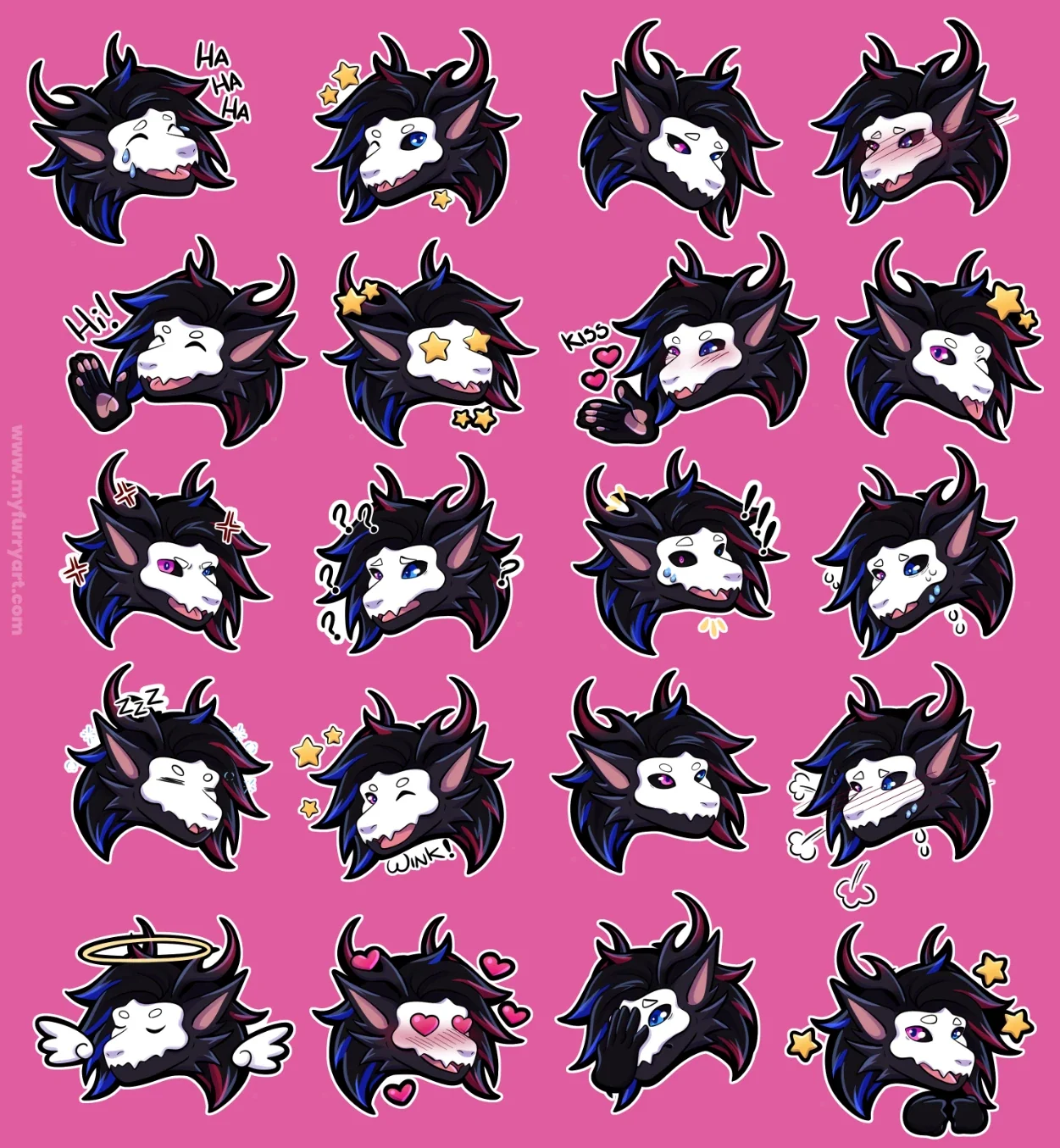
This is what a pack made for small sizes looks like: twenty expressions, each one a head and one clear feeling. Laughing, star eyes, angry, sleepy, love eyes and a facepalm can all be told apart at a glance.
WhatsApp stickers
WhatsApp packs follow stricter rules than the others.
- Size: exactly 512 x 512 pixels.
- File: WEBP, and each still sticker 100 KB or less.
- The pack: between 3 and 30 stickers, plus a small picture for the pack itself, 96 x 96 pixels.
- Outline: WhatsApp recommends an 8 pixel white outline round each sticker, so it shows up on any background.
A WhatsApp sticker is always square. A Telegram sticker that isn't square gets see-through space added at the sides when it's turned into one.
One set of art, every app
You don't need a different drawing for each app. You need one good drawing, saved more than once.
- Have them drawn large. Shrinking a big picture keeps it sharp. Enlarging a small one doesn't.
- Ask for a see-through background. Every app here expects it.
- Keep a white outline. It works on dark mode and light mode alike.
- Save a copy in each size. 512 pixels for Telegram and WhatsApp, 320 for Discord stickers, and a close crop of the face for emoji and emotes.
- Leave captions off the tiny ones. Words can be read on a sticker. On an emote they can't.
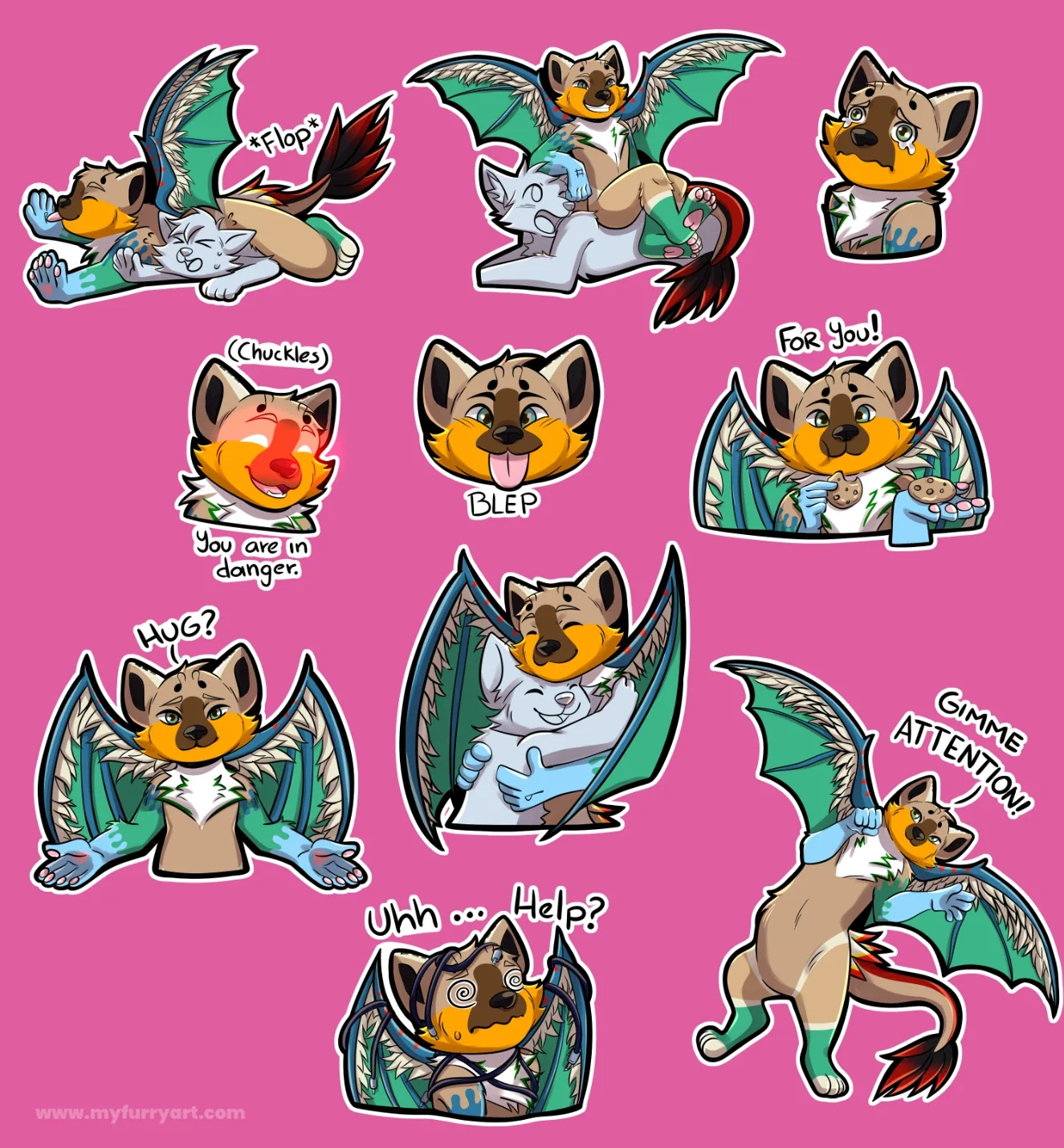
Captions and full-body poses, like "Blep", "Hug?" and "Gimme attention!", are perfect at sticker size. For emotes, the faces from the same pack would be cropped out and the words dropped.
Which stickers to start with
Pick the ones you'd actually send. Start with the everyday ones: happy, crying laughing, a wave hello, blushing, love eyes, angry, sleepy, confused and a facepalm. Then add one or two that are only you: a favourite drink, a catchphrase, a hug with your partner's sona.
Getting a sticker pack of your sona
Our furry sticker packs are drawn by hand, one expression at a time: 5, 10, 15 or 20 still stickers of your own sona, from $69. You choose every expression, and in the order form you tell us where you'll use them: Telegram, Discord, Twitch emotes or somewhere else.
You don't need a reference sheet. If you have one, upload it. If you don't, a description of your sona is enough. Every pack comes with unlimited revisions and a full money-back guarantee.
Where these numbers come from
Apps change their rules, so here are the pages we checked:
- Telegram: Stickers
- Discord: Tips for Sticker Creators and How to Add Custom Emojis
- Twitch: Subscriber Emote Guide
- WhatsApp: Stickers, for people who make packs
Questions people ask
What size are Telegram stickers?
One side must be exactly 512 pixels and the other 512 or less, saved as a PNG or WEBP file with a see-through background.
What size is a Discord sticker?
Exactly 320 x 320 pixels, as a PNG no larger than 512 KB. Discord emoji are separate: a square image under 256 KB, usually 128 x 128 pixels.
What size is a Twitch emote?
Twitch shows emotes at 28, 56 and 112 pixels. You can upload one square image between 112 x 112 and 4096 x 4096 pixels, under 1 MB, and Twitch makes the three sizes for you.
Can I use the same art for stickers and emotes?
Yes. An emote is a sticker shown small. Stickers with one clear expression shrink well. Ones with captions or a whole body usually need the face cropped out first.
Is an emote the same as a sticker?
Nearly. Both are small pictures you send in a chat. "Sticker" is the word on Telegram, Discord and WhatsApp, where they're shown large. "Emote" is the word on Twitch, where they're shown small and sit in the line of text.